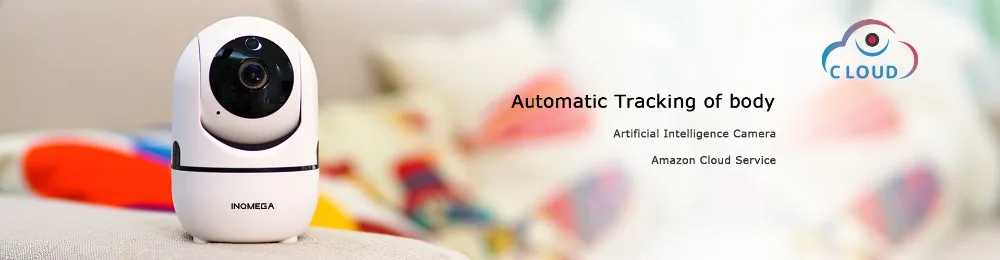

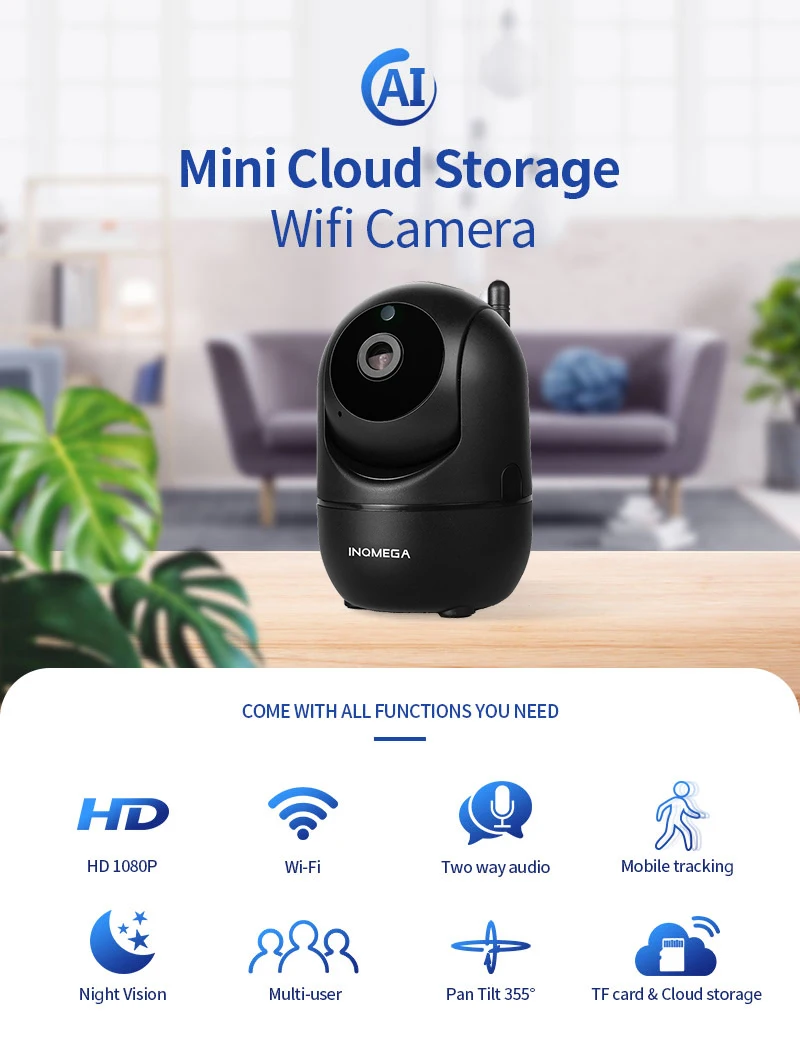
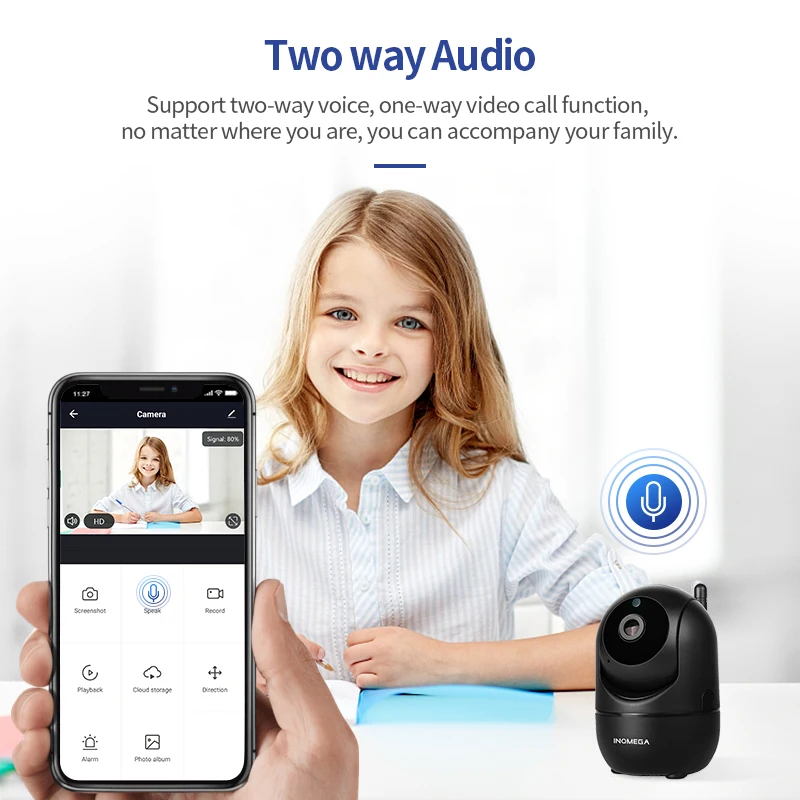
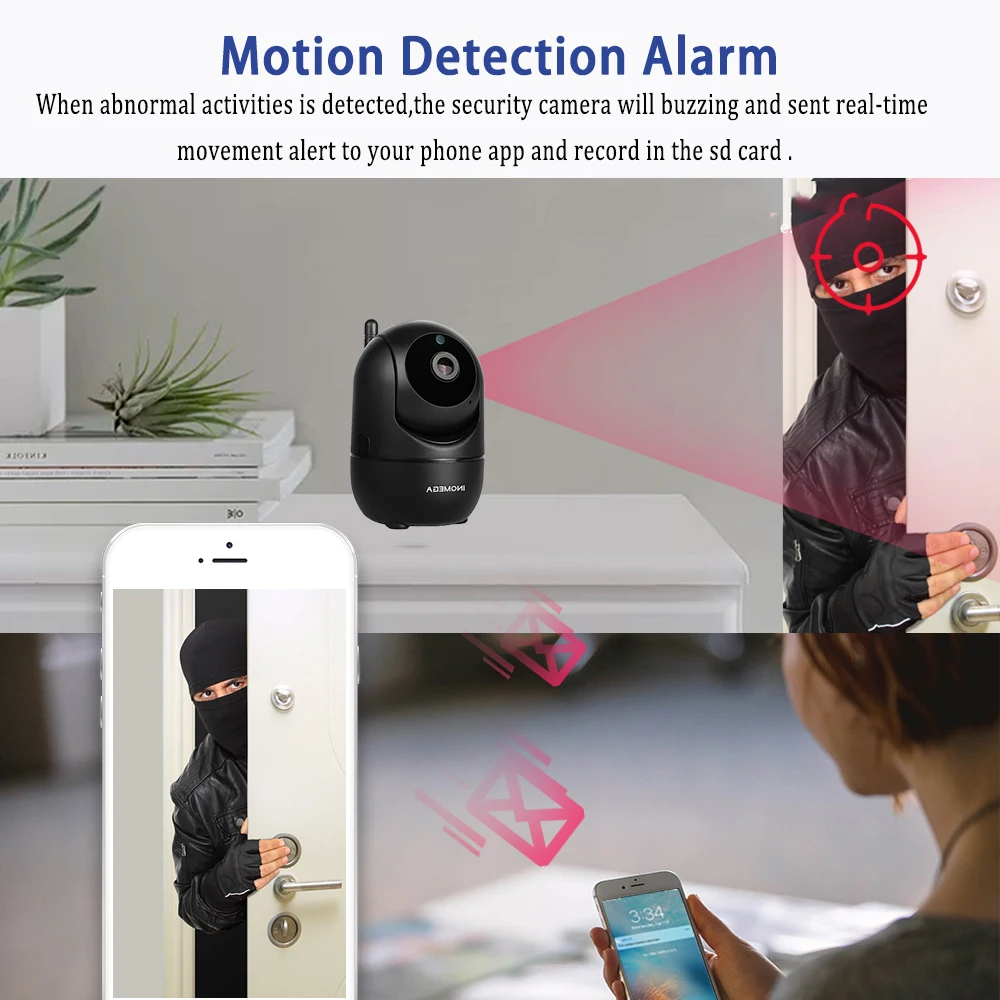
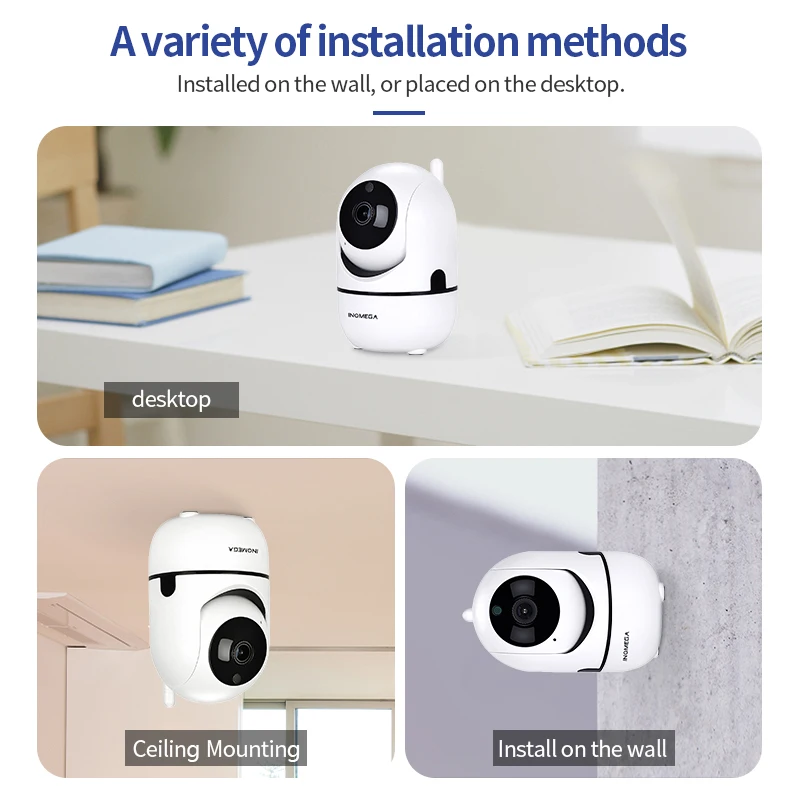
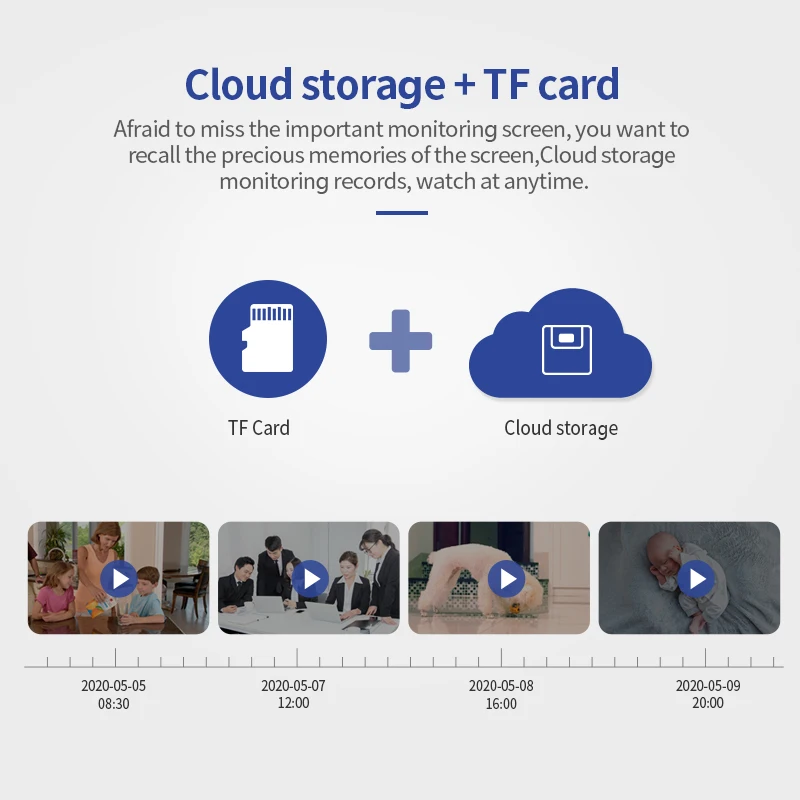
INQMEGA HD 1080P Cloud Wireless IP Camera Intelligent Auto Tracking Of Human Home Security Surveillance CCTV Network Wifi Camera
  • Load image into Gallery viewer, INQMEGA HD 1080P Cloud Wireless IP Camera Intelligent Auto Tracking Of Human Home Security Surveillance CCTV Network Wifi Camera
  • Load image into Gallery viewer, INQMEGA HD 1080P Cloud Wireless IP Camera Intelligent Auto Tracking Of Human Home Security Surveillance CCTV Network Wifi Camera
  • Load image into Gallery viewer, INQMEGA HD 1080P Cloud Wireless IP Camera Intelligent Auto Tracking Of Human Home Security Surveillance CCTV Network Wifi Camera
  • Load image into Gallery viewer, INQMEGA HD 1080P Cloud Wireless IP Camera Intelligent Auto Tracking Of Human Home Security Surveillance CCTV Network Wifi Camera
  • Load image into Gallery viewer, INQMEGA HD 1080P Cloud Wireless IP Camera Intelligent Auto Tracking Of Human Home Security Surveillance CCTV Network Wifi Camera

INQMEGA HD 1080P Cloud Wireless IP Camera Intelligent Auto Tracking Of Human Home Security Surveillance CCTV Network Wifi Camera

Regular price
€35,96
Sale price
€35,96
Regular price
Sold out
Unit price
per 
Tax included.

null

null


Cannot Connect To WIFI Successfully?

     1.Please make sure the WIFI Password is correct.(Our Camera Only Support 2.4Ghz Wifi)


     2.Please make sure the router signal is stable (place IP Camera close to your router for first connection is Recommended).The Camera will not work on a 5Ghz wireless standard at this time.  If you have a dual-band router, be sure to segregate your wireless channels and connect the Camera to the 2.4ghz channel. 


        3.Please check that your wifi name and password do not have special symbols, our camera can only recognize English letters and numbers..

Reset 

     Check The IP Camera: please make sure the IP Camera send Waiting for connection message after the plug. If not, we need to reset the Camera.

     1.Why Reset:


      Reset is used to boost the IP Camera system, which become more efficient to accept the unknown router and connect it.

      Reset will erase all user settings including WIFI information, access password, alarm information, arming zones information.

      2.The Steps:


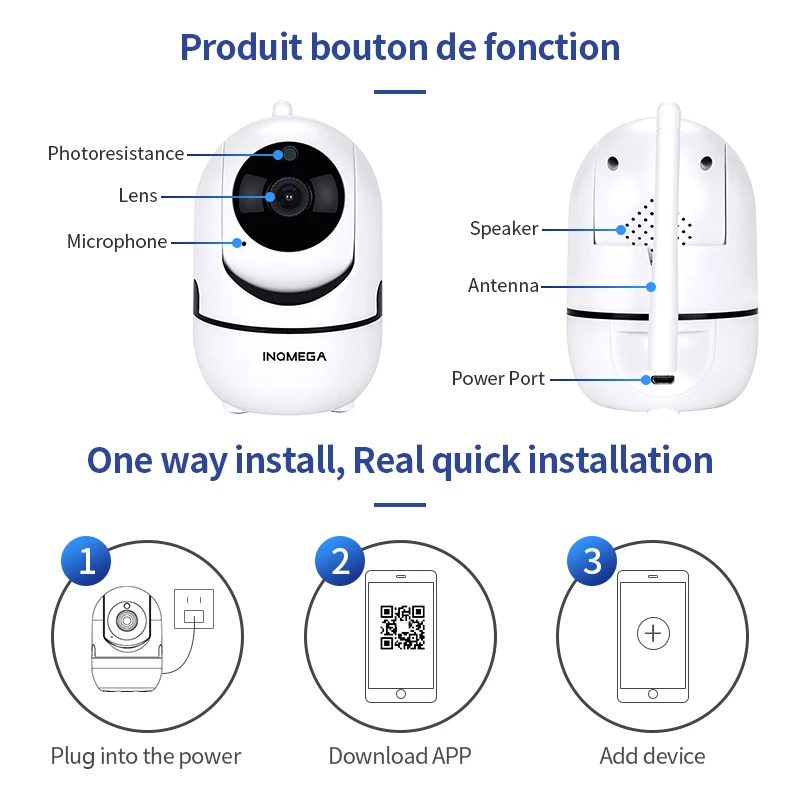
       Find the reset hole at the bottom of the device, and then use needle to insert it, press it more more than three seconds after hearing "di" sound, when hearing 'Reset to be  defaulted setting' sound,  then  camera reset successfully.


      3.After the reset, user can start to connect it by WIFI.